Billing & Invoicing
Overview
The Billing module provides comprehensive billing operations for 3PL and warehouse services. Track billable events, configure rate cards, generate invoices, and manage storage charges across your customer base.
Key Capabilities:
- Automatic billing event capture for receiving, outbound, and storage operations
- Configurable rate cards with tiered pricing per customer
- Storage charge generation (monthly, weekly, or split monthly)
- Invoice creation from pending billing events
- Document attachments on invoices
- Bill To address support for third-party billing
Accessing Billing
Navigate to Billing in the left sidebar to access:
- Invoices - View, create, and manage invoices
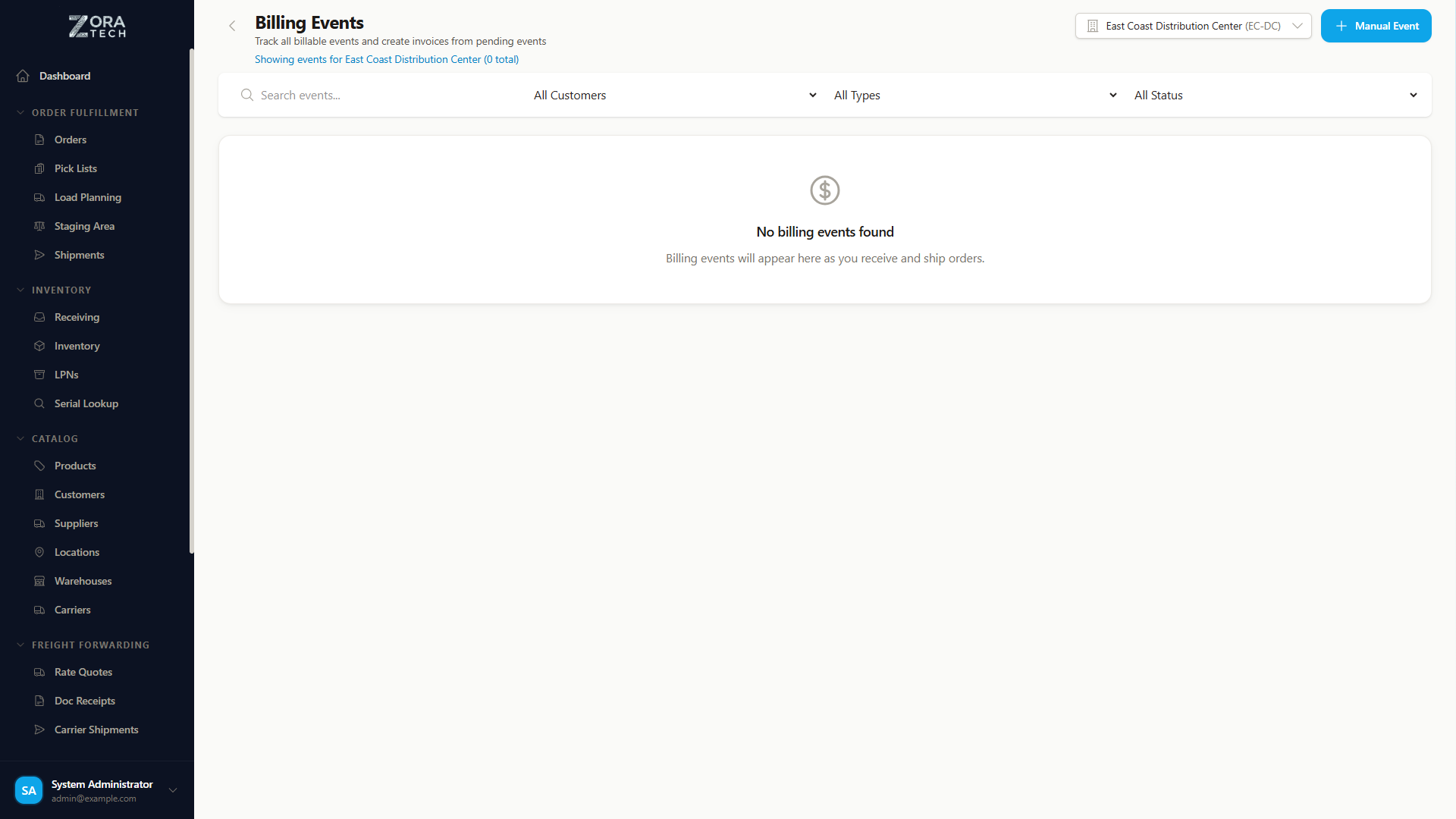
- Billing Events - Review all billable events across operations
Feature Availability
Billing is a feature-gated module. Contact your administrator if you do not see the Billing section in the sidebar.
Billing Events
Billing events are automatically created when billable operations occur in the warehouse. Each event captures the operation type, customer, quantities, and associated charges.
Event Types
| Event Type | Trigger | Description |
|---|---|---|
| Receiving Complete | Receiving order completed | Charges for inbound handling |
| Shipment Dispatch | Shipment marked as shipped | Outbound handling and shipping charges |
| Shipment Order Billing | Order-level billing on shipment | Per-order charges on shipments |
| Manual Labor | Manual entry | Ad-hoc labor charges |
| Freight Charge | Freight forwarding operations | LTL/freight fees |
| Adjustment | Manual adjustment | Billing corrections |
| Storage Charge | Storage charge generation | Periodic storage fees |
Viewing Billing Events
The Billing Events page provides:
- Search by customer, event type, or reference number
- Customer filter to view events for a specific customer
- Event type filter to isolate specific charge categories
- Invoice status filter to see pending vs. invoiced events
- Charge breakdown showing tiered pricing details for complex rate cards
- Bulk selection with checkboxes to create invoices from multiple pending events
Creating Invoices from Events
- Navigate to Billing > Billing Events
- Use filters to find pending (uninvoiced) events
- Select events using the checkboxes
- Click Create Invoice to generate an invoice from selected events
- Review the invoice and confirm
Invoices
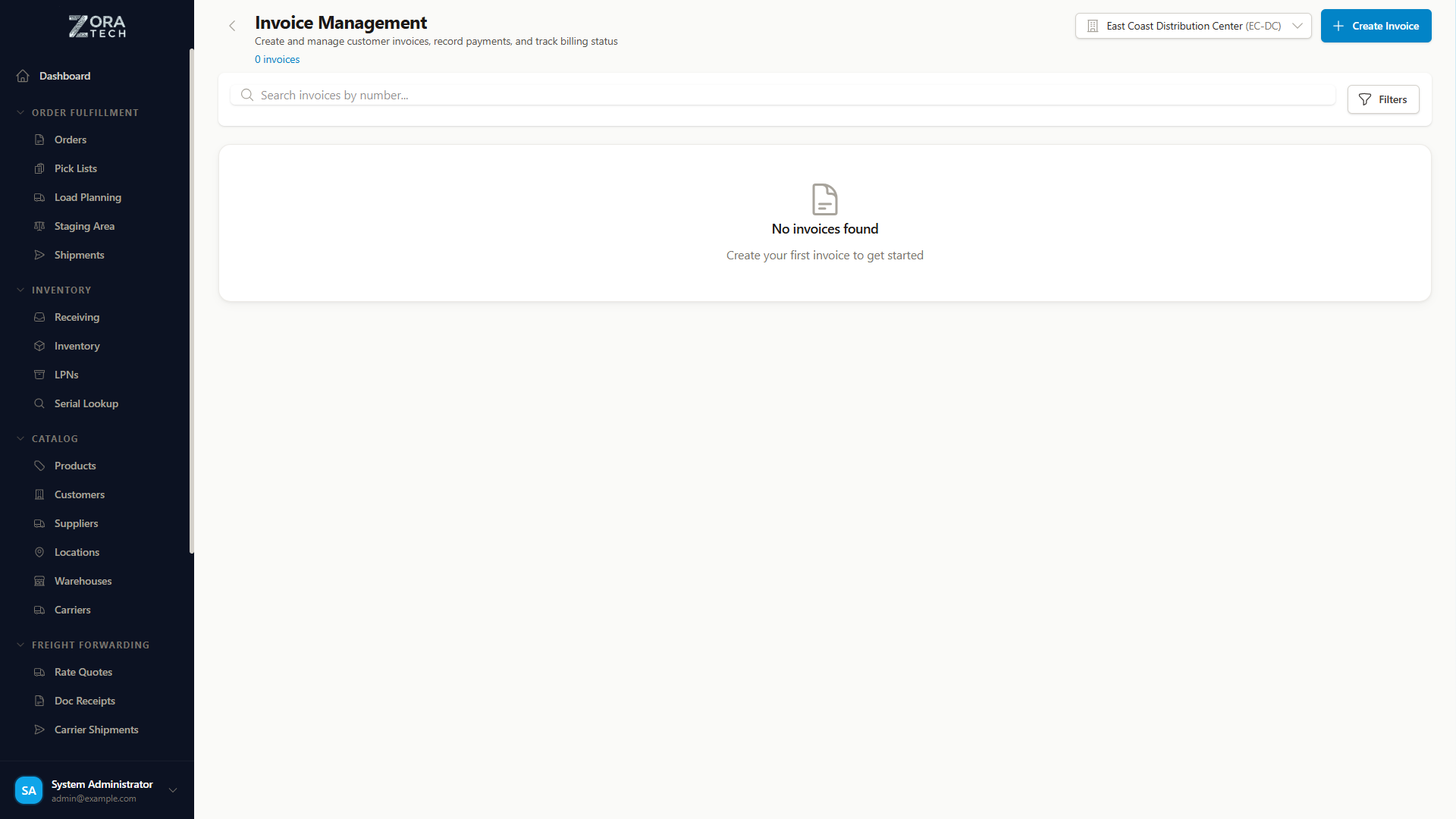
Invoice Features
- Invoice listing with customer, date, amount, and status
- Document attachments - Attach supporting documents (BOLs, receipts, photos)
- Bill To address - Configure a separate billing address for third-party billing scenarios
- PDF generation with company branding (logo and company information from Company Branding settings)
- Currency formatting with proper decimal handling
Invoice Workflow
- Billing events accumulate as operations occur
- Select pending events and create an invoice
- Review invoice details, line items, and totals
- Attach supporting documents if needed
- Finalize and send to customer
Rate Cards
Rate cards define per-customer pricing for warehouse services. Each customer can have multiple rate cards organized by dimension type.
Rate Card Dimensions
| Dimension | Description | Example Use |
|---|---|---|
| Receiving | Inbound handling charges | Per-pallet receiving fee |
| Outbound | Order fulfillment charges | Per-case shipping handling |
| Storage | Periodic storage charges | Monthly per-pallet storage |
Tiered Pricing
Rate cards support tiered pricing with min/max ranges:
- Per-unit pricing - Charge per unit within each tier
- Flat-rate pricing - Fixed charge per tier
- Multiple tiers per rate card (e.g., first 100 pallets at $5, next 100 at $4)
Managing Rate Cards
- Navigate to a customer's Billing Settings page
- Rate cards are organized by dimension type (Receiving, Outbound, Storage)
- Click Add Rate Card to create a new card
- Configure name, dimension, tiers, and pricing
- Set an effective date for when the rate card takes effect
Storage Charges
Storage charges bill customers for warehouse space used over time. The system supports flexible billing frequencies and multiple storage dimensions.
Storage Billing Frequencies
| Frequency | Description |
|---|---|
| Monthly | Full month charge on billing cycle date |
| Weekly | Weekly charge calculated each billing cycle |
| Split Monthly | Half-rate for inventory arriving after the 16th of the month |
Split Monthly Billing
Split monthly billing is useful for 3PL operations where customers shouldn't pay a full month's storage for inventory that arrives mid-month. Inventory arriving on or after the 16th is billed at 50% of the monthly rate for that period.
Storage Dimensions
Configure which storage dimensions to charge for:
- Per Pallet - Charge based on pallet positions occupied
- Per Case - Charge based on case count in storage
- Per Square Foot - Charge based on floor space used
- Per Container - Charge for full container storage
Configuring Storage Billing
- Navigate to a customer record and click Billing Settings
- Under Storage Billing, select the billing frequency
- Enable the storage dimensions you want to charge for (Per Pallet, Per Case, Per Sq Ft, Per Container)
- If using Monthly billing, optionally enable Split Monthly for pro-rated mid-month arrivals
- Create a Storage rate card with appropriate tiered pricing
- Save changes
Missing Rate Cards
If you enable storage dimensions but don't have a corresponding Storage rate card, the system will display a warning. Create rate cards for all enabled dimensions to ensure charges are calculated correctly.
Generating Storage Charges
Storage charges are generated according to the configured frequency. The system:
- Calculates inventory quantities per storage dimension
- Applies the customer's rate card tiers
- Creates billing events of type Storage Charge
- Events appear in Billing Events ready for invoicing
Customer Billing Settings
Each customer has a dedicated billing settings page accessible from the customer details:
Configuration Options
- Billing Cycle - Monthly, quarterly, or custom billing periods
- Payment Terms - NET30, NET60, etc.
- Tax Rate - Applicable tax percentage
- Consolidation - Whether to consolidate events into a single invoice
- Storage Billing - Frequency and dimension settings
- Rate Cards - Organized by dimension type with active/inactive sections
Accessing Billing Settings
- Navigate to Catalog > Customers
- Click on a customer to view details
- Click the Billing Settings button
- Configure billing parameters and rate cards
Best Practices
Rate Card Management
- Review rate cards annually to ensure pricing reflects current costs
- Use tiered pricing to offer volume discounts to high-volume customers
- Set effective dates for rate changes so historical billing uses the correct rates
- Keep inactive rate cards rather than deleting them for audit trail purposes
Storage Billing
- Match storage dimensions to how you actually measure space in your warehouse
- Use Split Monthly for fairness when customer inventory fluctuates mid-month
- Review storage charges before invoicing to catch any anomalies
- Document rate agreements with customers for dispute resolution
Invoice Management
- Invoice regularly to maintain cash flow (don't let events accumulate too long)
- Attach supporting documents (BOLs, receipts) for transparency
- Use the Bill To feature when a third party pays for the customer's services
Related Documentation
- Customer Management - Manage customer records
- Company Branding - Logo and company info on invoices
- Settings - System-wide billing configuration
- Reports - Financial and billing reports