Location Management
Configure and manage storage locations within your warehouses.
Overview
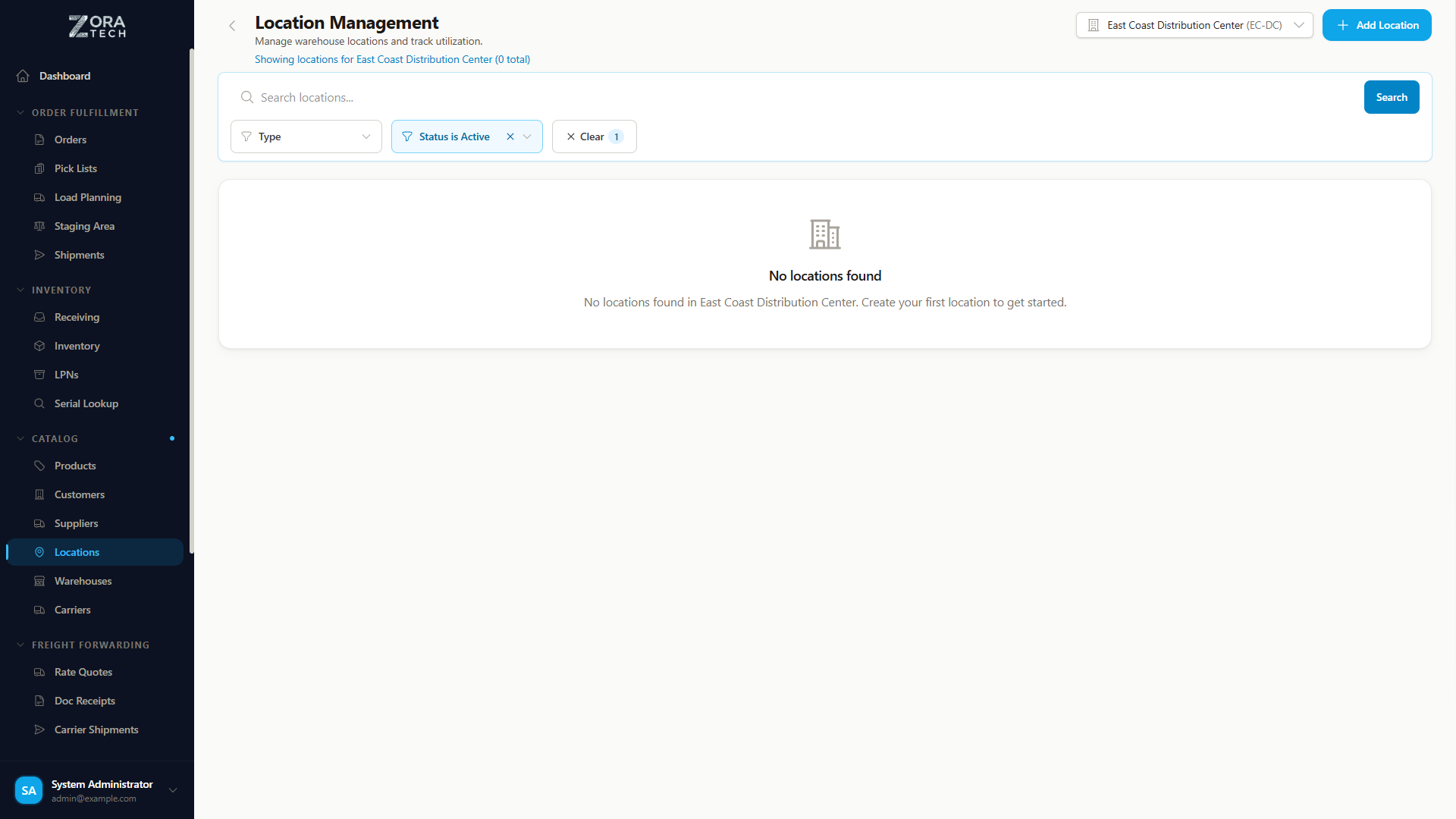
Locations represent physical storage positions in your warehouse (aisles, shelves, bins). Proper location setup is essential for efficient putaway and picking operations.
Location Hierarchy
Locations in Zora Tech follow a hierarchical structure:
Warehouse → Aisle → Shelf → Bin
Example: A-01-A - A = Aisle - 01 = Shelf/Bay - A = Bin position
Creating Locations
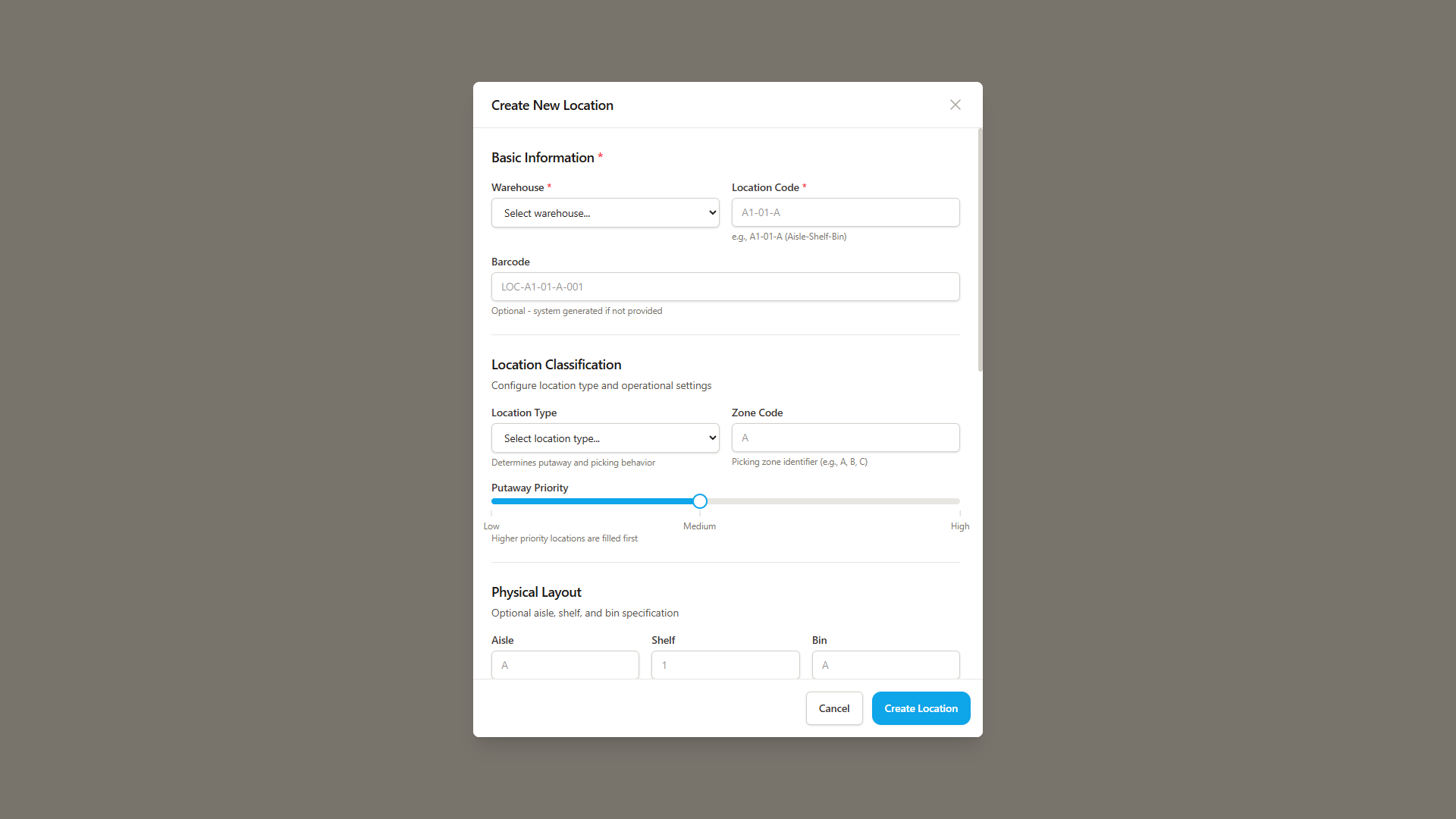
- Navigate to Catalog > Locations from the sidebar
- Click "Add Location"
- Enter location details:
- Warehouse - Select the target warehouse
- Location Code - Unique identifier (auto-generated or custom)
- Aisle - Aisle designation
- Shelf/Bay - Shelf or bay number
- Bin - Bin position within the shelf
- Location Type - Select from available types (see below)
- Storage Class - Assign a storage classification (Ambient, Refrigerated, Hazmat, etc.)
- Configure capacity limits:
- Max Weight - Weight capacity limit
- Max Volume - Cubic dimension limit
- Supported Units - Pallet, case, each, etc.
- Click "Create Location"
Location Types
| Type | Icon | Description | Common Use |
|---|---|---|---|
| Floor | Floor icon | Ground-level storage | Pallet staging, large items |
| Rack | Rack icon | Shelving/racking positions | Standard pick and reserve storage |
| Bulk | Bulk icon | Open bulk storage areas | High-volume, large quantity storage |
| Receiving | Receiving icon | Inbound staging areas | Temporary holding for received goods |
| Shipping | Shipping icon | Outbound staging areas | Orders staged for carrier pickup |
| Damage | Damage icon | Damaged goods holding | Quarantine for damaged or rejected items |
Location Status
Each location has a status indicator:
| Status | Description |
|---|---|
| Empty | No inventory currently stored |
| In Use | Contains inventory (shows item count) |
| Inactive | Location disabled, not available for operations |
| Out of Service | Temporarily unavailable (maintenance, etc.) |
| Damage | Designated for damaged goods |
Inventory Count
The "In Use" status now shows the actual inventory count at each location, giving you visibility into how many items occupy the space without needing to drill into details.
Searching and Filtering Locations
The locations list page supports:
- Search by location code, aisle, or zone
- Type filter to view only specific location types
- Status filter to find empty, in-use, or inactive locations
- Warehouse context automatically filters to your selected warehouse
Location Capacity
Each location can have capacity limits configured:
- Weight Capacity - Maximum weight in configured units (lbs/kg)
- Volume Capacity - Maximum volume in cubic units
- Utilization Bar - Visual indicator showing current capacity usage with color coding:
- Green: Under 75% utilized
- Yellow: 75-90% utilized
- Red: Over 90% utilized
Smart Location Suggestions
During putaway, the system provides intelligent location suggestions:
- Suitability Score (0-100%) for each suggested location
- Distance from receiving area for travel time estimation
- Available capacity showing remaining weight and volume
- Constraints display for special requirements (temperature, hazmat, etc.)
Three putaway modes are available:
- Auto-suggest - System recommends the best location automatically
- Manual search - Search locations by code, aisle, or zone
- Barcode scan - Scan a location barcode directly
See Receiving Shipments for the full putaway workflow.
Related Guides
- Warehouse Management - Set up warehouses first
- Putaway Process - How locations are used
- Picking Process - Location-based picking
- Settings - Configure storage classes and location rules