Serial & Lot Tracking
Track individual items and batches throughout their lifecycle.
Zora tracks inventory two ways: by serial number, for individual items, and by lot, for batches with a shared expiration date.
Serial number tracking
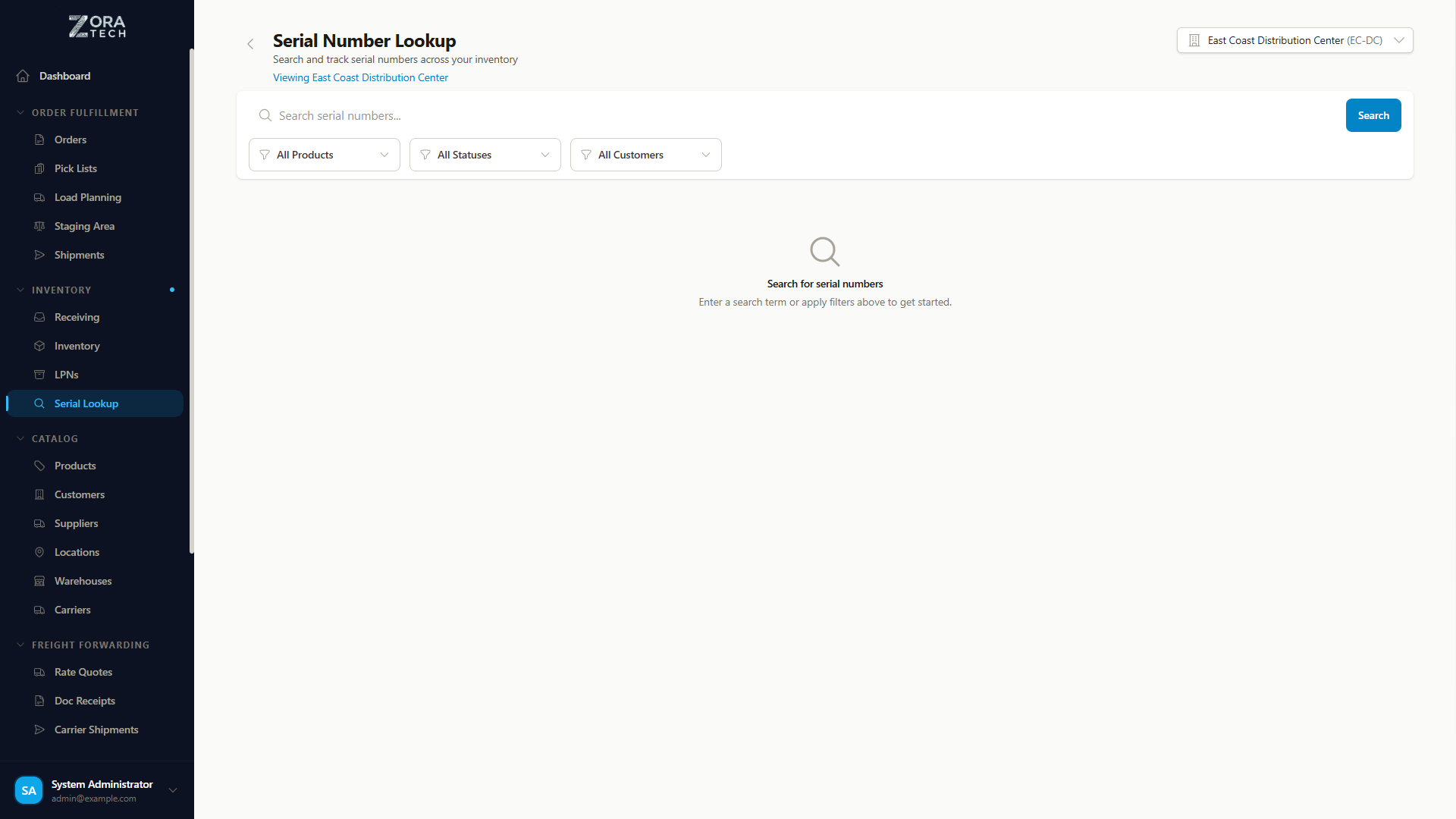
Serial number tracking assigns a unique identifier to each individual item, so you can trace one specific unit all the way from receiving through shipping.
Use it for:
| Situation | Example |
|---|---|
| High-value items | Electronics, equipment |
| Warranty tracking | Appliances, tools |
| Regulated items | Medical devices, pharmaceuticals |
| Asset management | Company-owned equipment |
Serial number lifecycle
Serial numbers transition through defined statuses as items move through the warehouse:
graph LR
    A[EXPECTED] --> B[RECEIVED]
    B --> C[IN_INVENTORY]
    C --> D[ALLOCATED]
    D --> E[PICKED]
    E --> F[SHIPPED]

    C -.Not found in count.-> G[MISSING]
    C -.Written off.-> H[LOST]

    D -.Cancel.-> C
    E -.Return.-> C

    style A fill:#e3f2fd
    style B fill:#e3f2fd
    style C fill:#e8f5e9
    style D fill:#fff3e0
    style E fill:#fff3e0
style F fill:#f3e5f5| Status | What it means |
|---|---|
EXPECTED | Created when the receiving order is planned, from an Advance Shipment Notice (ASN) |
RECEIVED | Physically received at the warehouse — may still be in staging |
IN_INVENTORY | Stored in an inventory location and available for orders |
ALLOCATED | Reserved for a specific customer order, waiting to be picked |
PICKED | Picked from inventory and staged for packing |
SHIPPED | Dispatched with a shipment, out of warehouse custody |
MISSING | A cycle count expected it and couldn't find it |
LOST | Written off — no longer expected to turn up |
When a serial number goes missing
A cycle count that can't find a serial number it expected marks it MISSING. Both MISSING and LOST are end states — the platform stops treating that item as available stock. If it turns up later, receiving it again brings it back into inventory.
Serial number workflow
Receiving:
- Receive the product as normal.
-
Scan or enter each serial number when prompted — one per individual item.
The status moves
EXPECTED→RECEIVED, thenIN_INVENTORYonce you complete putaway.
Order fulfillment:
-
Create and allocate the order.
Its serial numbers move to
ALLOCATED. -
Scan the specific serial numbers the picking workflow calls for.
They move to
PICKEDand stage for packing.
Shipping:
- Pack the item and create the shipment.
-
Dispatch the shipment.
The serial numbers move to
SHIPPED, and the full audit trail stays on the record.
Getting it right
| Do | Don't |
|---|---|
| Scan serial numbers when available, rather than typing them | Reuse a serial number |
| Check each serial number against the item before you save it | Skip serial entry on a product that requires it |
| Enter exactly one serial per physical item | — |
Serial numbers can't be edited
Once a serial number is saved, you can't change it. If you save the wrong number, raise it with your supervisor rather than trying to receive the item again.
Lot/Batch tracking
Lot tracking manages groups of items produced or received together. Each lot has an identifier and an optional expiration date.
Use it for:
| Situation | Example |
|---|---|
| Perishable goods | Food, medicine |
| Batch-manufactured items | Chemicals, supplements |
| Expiration date management | FEFO picking |
| Recall management | Identifying affected batches |
Key differences: Serial vs. lot tracking
| Feature | Serial Tracking | Lot Tracking |
|---|---|---|
| Quantity per entry | Always 1 | Any positive number |
| Uniqueness | Must be unique per product | Can be reused across receipts |
| Matching | Case-insensitive — SN-001 finds sn-001 | Case-sensitive — LOT-A and lot-a are different lots |
| Expiration dates | Not applicable | Optional per lot |
Lot number workflow
Receiving:
- Receive the product as normal.
- Enter the lot number when prompted — required for any lot-tracked product.
- Enter the expiration date. It's optional, but recommended for anything perishable.
-
Enter the quantity for this lot.
The lot information carries through to inventory and putaway automatically.
Receiving multiple lots:
You can receive several lots of the same product on one receiving order.
- Enter the first lot number and quantity.
- Choose Add Another Lot to add a second lot line.
- Repeat for each lot — each line keeps its own lot number, expiration date, and quantity.
The total quantity across all lot lines must match the expected receiving quantity.
Mixed product receiving:
A receiving order can mix lot-tracked and non-lot-tracked products. Zora only asks for lot information on the products that require it — the rest follow the standard receiving workflow.
Lot numbers are case-sensitive
LOT-2025A and lot-2025a are treated as two different lots, and stock entered under one will not be found under the other. Agree a single capitalization with your team and stick to it.
Serial numbers behave the opposite way — those are matched regardless of case.
Picking with FEFO (First Expired, First Out):
- Zora picks the earliest-expiring lot first.
- Lots with no expiration date are picked after lots that have one.
- When lots share an expiration date, Zora falls back to First In, First Out (FIFO) order.
This keeps expired items from being shipped.
Getting it right
- Enter expiration dates for anything perishable or time-sensitive.
- Use the manufacturer's lot number for consistency and traceability.
- Update lots as soon as you receive them.
- Check expiring lots regularly with the lot inventory reports.
- Set the warehouse's allocation strategy to FEFO for automatic expiration-based picking.
- Don't mix lots in the same location if you can avoid it.
- Don't ship an expired lot.
Serial number lookup
Go to Products → Serial Number Lookup to search every serial number in your system, see its current status and location, and review its full movement history from receiving to shipping.
See the Serial Number Lookup guide for the full search, filter, and mobile workflow.
Configuration
You can't enable both
A product can be serial-tracked or lot-tracked, but not both. Pick the tracking method that fits the product before you save.
Enable serial tracking on a product
- Go to Products and edit the product.
- Check Serial Tracked.
-
Save the product.
Every receiving and picking action for this product now asks for a serial number.
Enable lot tracking on a product
- Go to Products and edit the product.
- Check Lot Tracked.
-
Save the product.
Every receiving and picking action for this product now asks for lot information.
Reporting
| Report | Shows |
|---|---|
| Serial number inventory | Where each serial-tracked item is right now |
| Serial number location | The current location of a serial number |
| Serial number history | The full receive-to-ship trail for a serial number |
| Lot inventory by expiration | Lots ordered by how soon they expire |
| Expiring lots | Lots approaching their expiration date |
| Lot movement history | Where a lot has been in the warehouse |
Related guides
- Serial Number Lookup - Find and track serial numbers
- Receiving Operations - Serial/lot entry during receiving
- Order Processing - Serial/lot picking
- Packing & Shipping - Serial number shipping
- Bulk Upload - Import serial numbers via CSV